

Every printer, from anywhere.
Start a print at the office while you are still at home. Check on it from your phone at lunch. One browser dashboard for every printer you own, from one machine to a full hall.
Send a job from anywhere, watch it on camera, and keep printing after everybody has left.
Screenshot: farm dashboard with live printer status
Everything you get in one overview
One printer or fifty, the same things cost you time: walking over to look, starting the next job by hand, and the paperwork afterwards. Here is what the software takes over. Each point is explained below.
Start, pause and follow every printer from home, the office or your phone
No VPN, no port forwarding and no open ports in your network
A live camera on each machine, with alerts when something goes wrong
AI failure detection that can pause a failing print by itself
One central queue for the whole farm, in the priority order you set
Jobs matched automatically to printer model, material and nozzle size
A job never starts on a spool that cannot finish it
Belt printers keep producing on their own, through the night
Klipper, Bambu Lab, Repetier-Server and belt printers in one farm
The real cost of every print: material, electricity, machine and labour
Statistics on production, utilisation, cost and failures
Filament stock per spool, with batch numbers and full history
A label printed automatically the moment a job finishes
Traceability for custom-made medical devices, recorded while you print
Maintenance plans in print hours, with a warning before a task is due
Roles, permissions, two-factor login and a two-year audit log
Hosted and managed by us, with your own branding if you resell it
Central queue
The farm decides which printer runs itAdd a file, set the copies and a priority. The software takes it from there. A job only starts on a printer that can finish it: right model, right material, right nozzle, enough filament left.
Screenshot: the central queue
Your printers
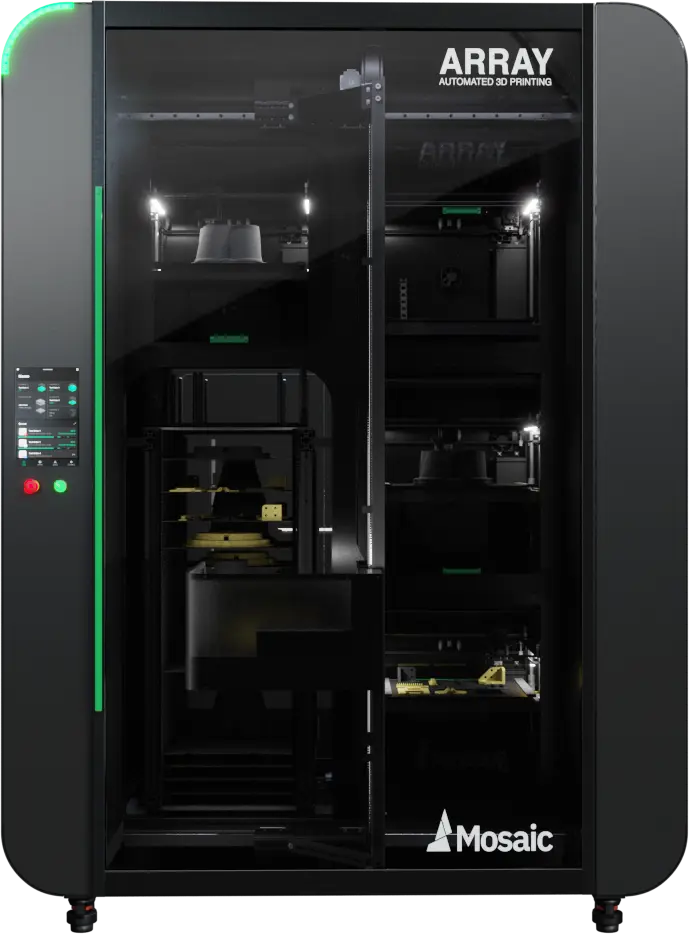
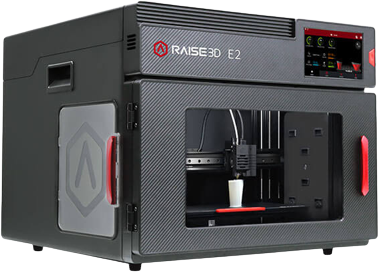
Mix brands in one farmPrinters connect over the protocol they already speak. A cheap Klipper machine, a Bambu Lab and a belt printer sit in the same queue and the same dashboard.
Missing a machine? Tell us which one. We add models on request.
Remote by design
No VPN, no open portsA small controller in your network talks to your printers and opens one outgoing, encrypted connection. Nothing is exposed to the internet and your firewall stays closed.
Useful long before you own a farm. Send a print to the office on Sunday evening, watch the first layers from the sofa, pause it from your phone if it looks wrong.
Screenshot: controller setup wizard
Live monitoring
See it before you walk to itEvery printer reports its own state: temperatures, progress, time remaining and filament used. When one reports a problem, the notification opens the camera so you can judge it from your desk.
Screenshot: live camera and printer detail
The night shift nobody has to work
A camera only helps while somebody is looking at it. So the software looks for you. It checks the camera while a print runs and recognises what you would spot yourself: spaghetti, a part off the plate, a print collapsing.
You choose what happens next, per farm: nothing, a notification, or an automatic pause.
A notification with the snapshot that triggered it
Automatic pause before the rest of the spool is gone
Sensitivity and threshold you can tune per farm
A cooldown, so one bad print does not spam you
Every detection kept with image, score and action
Watches only while a printer is printing
Analysis on our own infrastructure
Included, not a licence per printer
Screenshot: AI detection with snapshot, score and action taken
Filament and stock
Every gram accounted forEvery spool is tracked on its own, from sealed to finished. After each print the software deducts what was used, so nobody weighs anything or keeps a spreadsheet.
Screenshot: filament stock and spool history
Maintenance and cost
Know what a print really costsSet your rates once for material, electricity, machine hour and labour. Every print is priced with the rates of the day it ran, so raising prices later leaves your history intact.
Screenshot: statistics and cost breakdown
The records a medical device file needs
Custom orthoses and insoles made to a prescription are custom-made medical devices. The European MDR (2017/745, Annex XIII) requires you to trace a device back through its manufacturing and keep the records for years. The rules in the UK, the United States, Canada and Australia work the same way.
Writing your declaration of conformity stays your job. The software collects the evidence underneath it while you print.
Which printer produced it, and on which controller
Which spool and which material batch number went into it
Start and end time, duration and material consumed
Who started, paused or cancelled the job
The maintenance history of the machine that made it
An audit log of every action, kept for two years
GDPR tooling: export and anonymise personal data on request
Hosted and managed by LutraCAD, so you are not running the infrastructure yourself
Team and access
Everyone sees their own part of the farmOperators start prints, a technician logs maintenance, the office looks at cost. None of that should mean everyone can change everything.
Screenshot: users, groups and permissions
Better with LutraCAD
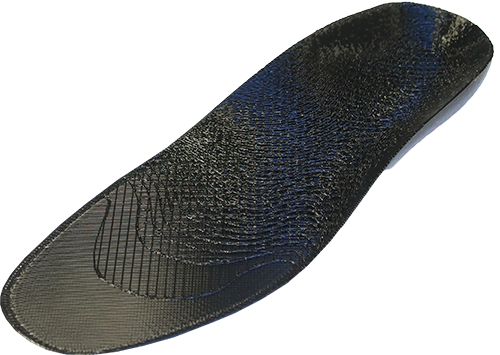
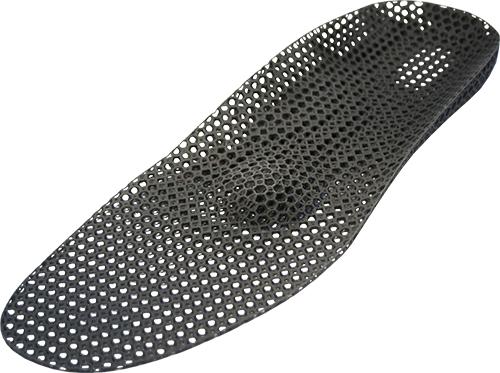
From scan to finished product in one lineIt works fine on its own, with whatever files you already produce. Design in LutraCAD and you get the whole chain: scan, design, slice with our own profiles, straight into the farm.
On the roadmap: an online custom-made slicer, with nothing to install.
How we differ from other farm software
There is good print farm software out there. SimplyPrint, Printago, Repetier-Server, AstroPrint and Obico all solve real problems, and some support more printer brands than we do. They are built for the widest possible market. We built ours for labs that make a real product to a specification and have to stand behind it.
| LutraCAD Print Farm Management | Typical print farm platforms | |
|---|---|---|
| Built for | Production labs and orthopedic workshops, and anyone who wants their printers within reach | The broad 3D printing market, from hobbyists to enterprise |
| Design to production | One chain from scan and CAD design to the printer, with validated profiles | Usually starts at the file you upload |
| Material traceability | Batch number to spool to print to job, kept as a chain of records | Filament inventory and usage tracking, rarely a traceability chain |
| Before a job starts | Blocks the start when the loaded spool cannot finish the print | Usually tracks usage, but starts the job anyway |
| AI failure detection | Included for every printer, with notify or automatic pause per farm | Often metered by the hour or licensed per printer |
| Labelling | Automatic label to a network label printer on completion | Manual, or through your own integration |
| Audit and governance | Full audit log with two-year retention, roles, permissions and GDPR tooling included | Often reserved for the enterprise tier |
| Automation licences | Continuous printing is included in the product for every printer you connect | Frequently a paid add-on per printer or per seat |
| White label | Own branding, own domain and own sending address for dealers and manufacturers | Enterprise-level, if offered at all |
| Service model | Personal onboarding, training and support from the people who build it | Self-service and volume support |
| Pricing | On request, matched to your farm and your service needs | Published per-printer subscriptions |
We are not the cheapest option, and we do not try to be. We sell a production system with training and service behind it.
Frequently asked questions
The questions production labs ask us most often. Something else on your mind? Contact us and we will talk it through.
No. It runs as a standalone product, whatever you design and slice with. If you do use LutraCAD, the two are integrated, so a design goes straight from the workstation into the queue.
Any Klipper printer with Moonraker, so Fluidd and Mainsail setups from FLSUN, Artillery, Voron and self-built machines. Plus the Bambu Lab range, anything on Repetier-Server, and belt printers from IdeaFormer and LayerLoop. Mix them all in one farm. Machine not listed? Ask us, we add models on request.
A controller in your own network: a Raspberry Pi, mini PC, Linux server or Windows machine. On some printers it runs on the printer itself. You supply the hardware and we help you pick it. One controller drives several printers.
Yes, without weakening your network. The controller makes one outgoing encrypted connection, so there are no open ports and no VPN. You log in through the browser, with two-factor authentication if you want it.
A print that is going wrong: spaghetti, a part off the plate, a print collapsing. It flags the print rather than naming the cause, then either sends you the snapshot or pauses the printer first, depending on what you set for that farm. Sensitivity, threshold and cooldown are adjustable for your own cameras and lighting.
Compliance stays the manufacturer's responsibility, and no software can take that over. What the software does is record the evidence your file needs: printer, spool, material batch, times, operator, maintenance history and a full audit trail. Traceability becomes a side effect of printing.
From one to a full production hall. You group printers into farms and locations, with several controllers per farm, so growing means adding a printer rather than rethinking your setup.
Yes. Plenty of users are not running a farm at all. They want to reach the printer in the workshop from home, or the one at the office from the road. Start it, watch it, pause it, see what it cost. The queue is there for the day you add more machines.
Pricing is on request. We sit above the cheapest platforms, and we are open about why: a system aimed at your kind of production, with onboarding, training and support from the team that builds it. Tell us how many printers you run and we will put a proposal together.
LutraCAD hosts and manages the platform, so you run no servers yourself. We export or anonymise personal data on request, and the audit log records every action.
Ready to run your printers
as one production line?